
See Claude Code's status
at a glance.
An always-visible cat companion that shows what Claude Code is doing. No more window switching.
Free · macOS 12.0+ · No account required
Herd your cats
Running multiple Claude Code sessions? Each one gets its own cat. See all your sessions at a glance — know which ones are working, which need input, and which are done.
Always know what's happening
Your cat reflects Claude Code's status in real-time. No guessing, no switching windows.
Idle
Napping while waiting
Working
Typing away
Needs Input
Waving for attention
Done!
Celebrating success
Make it yours
Swap the default cat for any character you want. Upload MP4, GIF, or Lottie animations for each state — characters, memes, pets, anything. Your companion, your style.
Each skin has 4 animations: idle, working, needs input, and completed.
Simple to get started
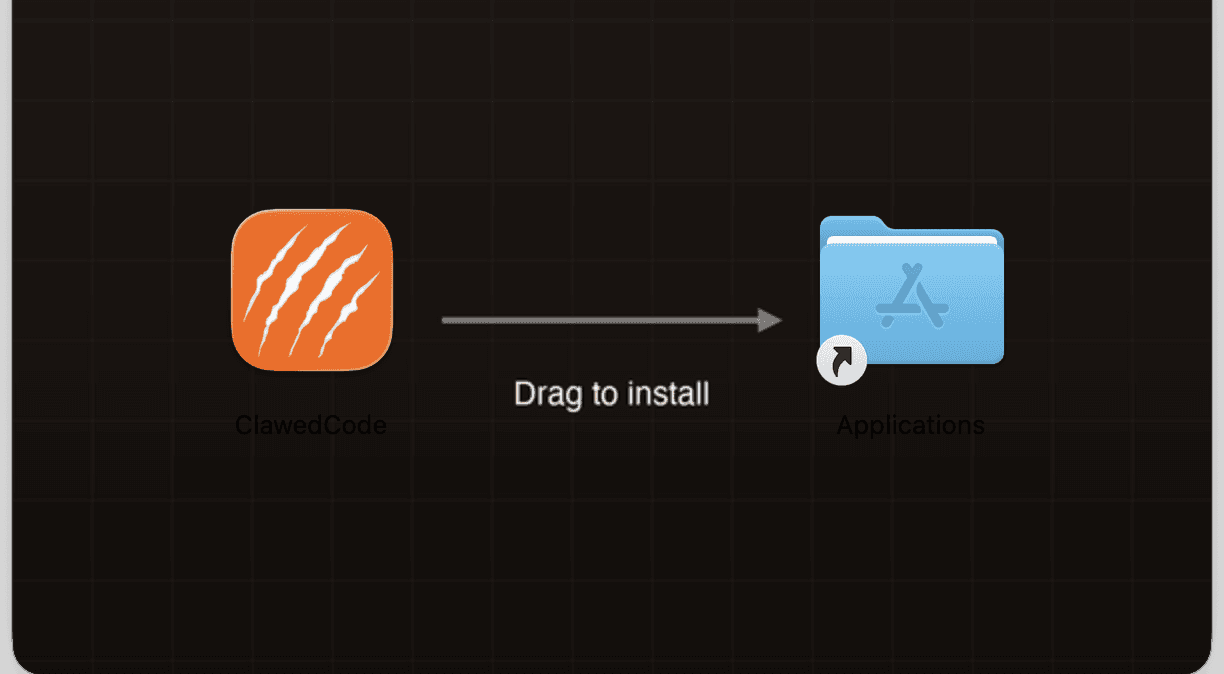
Download
Grab the free app from our site and open it up.
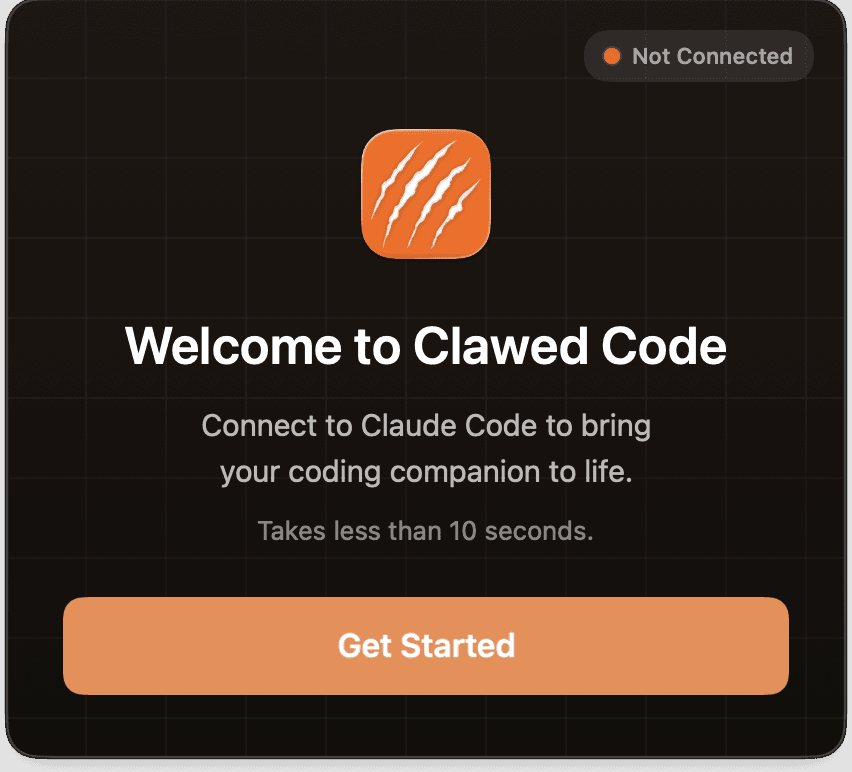
Quick Setup
Follow the in-app onboarding to install hooks with one click.
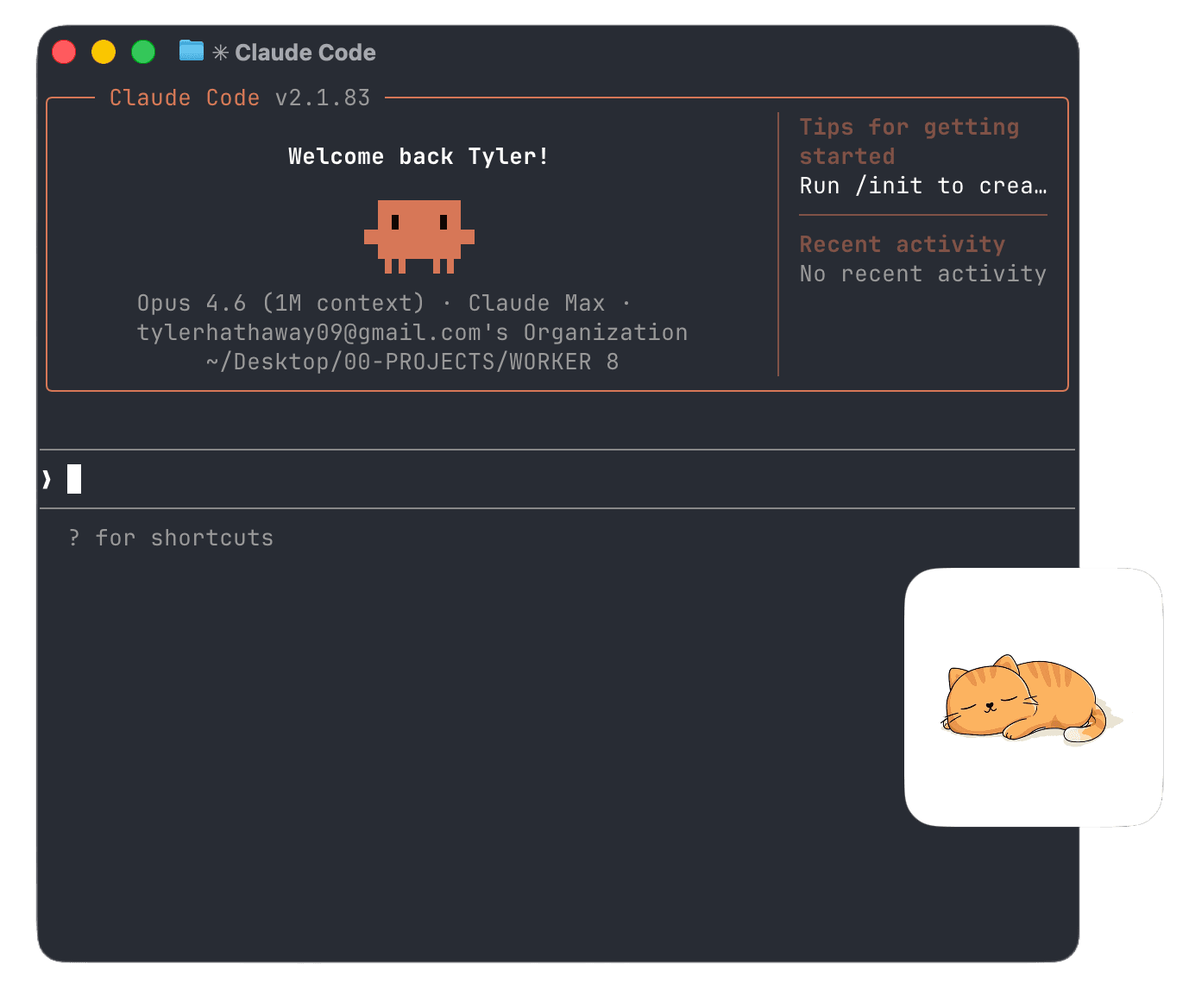
Start Coding
Start a new Claude Code session and your cat comes to life.
Free · macOS 12.0+ · No account required
People can't stop smiling
“This is amazing. Seriously helpful, absolutely hilariously adorable.”
“Love the personality throughout. Downloaded!”
“Loved the cats — and the concept itself is actually a very clean and intuitive model.”
“This is paw-some! Love the visual representation of the Claude state.”
“So clever, creative, and delightful.”
“Love this. So simple but so helpful!”
Common questions
How do I know when Claude Code is done without switching windows?+
How does Clawed Code connect to Claude Code?+
Can I track multiple Claude Code sessions at once?+
Can I customize the cat animations?+
Is Clawed Code free?+
Does Clawed Code collect my data?+
What are the system requirements?+
Claude Code status, always visible
See exactly what Claude Code is doing—without switching windows.
v0.17.5 · macOS 12.0+